PSA Appointment Verification Problem 2026
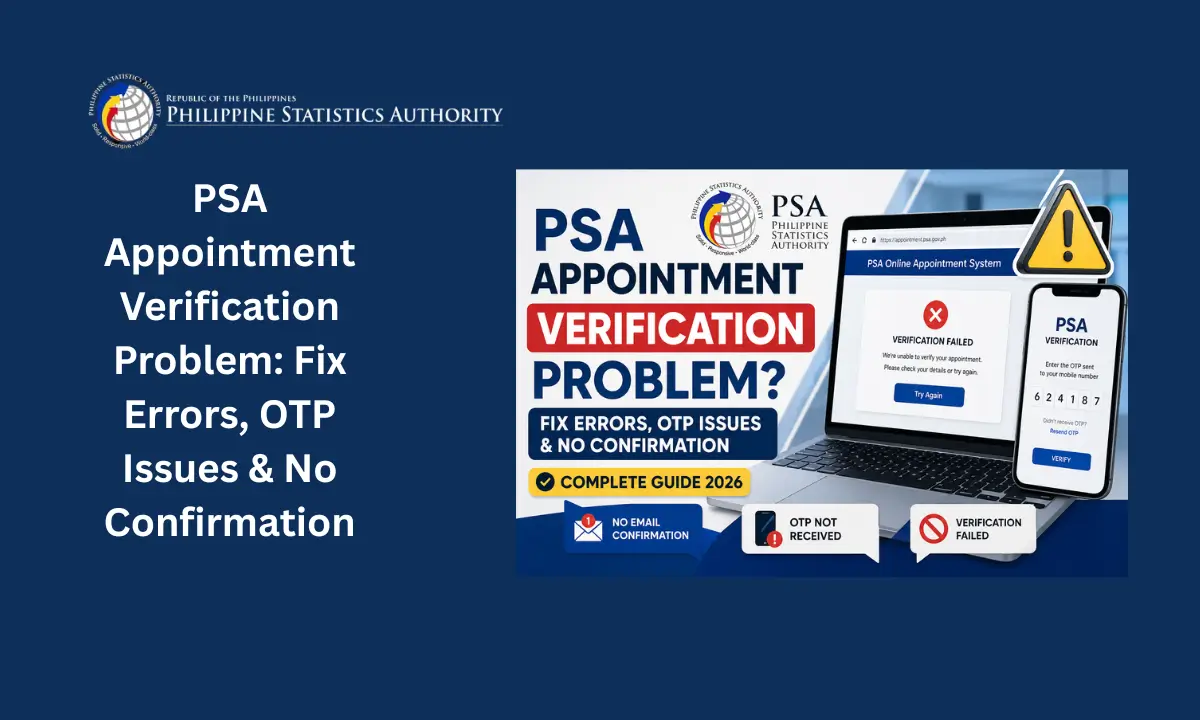
Booking a PSA appointment should be simple but errors, missing OTPs, failed payments, and verification failures make it anything but. If you’ve ever stared at a loading screen wondering whether your slot actually saved, you’re not alone.
This guide walks you through every common PSA appointment verification problem, why it happens, and exactly how to fix it so you can confirm your booking without the back-and-forth frustration.
What Is a PSA Appointment Verification Problem?
A PSA appointment error is any point in the booking process where things fail or don’t move forward as expected. This can happen at any stage:
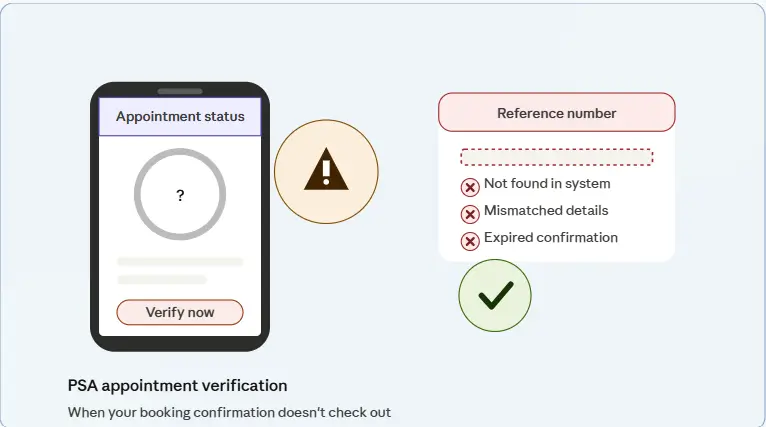
- Filling out the PSA online appointment form
- Selecting a schedule
- Making a payment
- Receiving confirmation or QR code
- Verifying your appointment at the PSA office
Most errors are either system-related or user-input related and both can be fixed once you know the correct steps.
What Is PSA Appointment Verification?
PSA appointment verification is the process of confirming your booking after scheduling through the official Philippine Statistics Authority system. It typically involves:
- OTP (One-Time Password) verification
- Email confirmation link
- Reference number validation
Many users assume reaching the payment screen means they’re confirmed but verification is its own separate step. Without completing it, your appointment may not be valid.
Common PSA Appointment Errors and Verification Problems
Here are the most frequently reported issues:
| Problem | Description |
|---|---|
| OTP not received | No SMS code sent to your number |
| Email not received | Confirmation email missing or delayed |
| Invalid reference number | System not recognizing your booking |
| Website error | Page not loading or crashing |
| No slot confirmation | Appointment not saved after completing steps |
| Booking failed | Form submission didn’t go through |
| QR code not received | No QR code delivered after payment |
| Payment deducted, no confirmation | Money taken but appointment unconfirmed |
Main Reasons Behind Verification Issues
Understanding the root cause makes fixing it much faster. Most verification problems come down to:
- Incorrect mobile number or email entered during registration
- Poor internet connection at the time of submission
- System overload on PSA servers during peak periods
- Browser and cache issues interfering with the session
- Delayed SMS or email delivery from the platform
Deeper record-level issues also play a role:
- Late registration your record may not be in the national database yet
- Record still with the Local Civil Registry (LCR), not yet endorsed to PSA
- Encoding delay on the civil registry side
- Spelling inconsistencies between your entry and what’s on file
- Interrupted internet connection or timeout during payment causing the appointment to stay unconfirmed
How to Fix PSA Appointment Verification Problem
1. Check Your Contact Details
- Make sure your phone number is active
- Double-check email spelling character by character
- Avoid using temporary emails
2. Wait for OTP Then Resend
- OTP normally arrives within 1–5 minutes
- If not received: click Resend OTP, restart your phone, check signal and network
3. Check Spam or Junk Folder
- Search your inbox for “PSA Appointment Confirmation”
- Look for emails from the Philippine Statistics Authority
- Check Promotions and Updates tabs if using Gmail
4. Clear Browser Cache and Try Again
- Clear cookies and cache
- Switch to incognito mode
- Try Chrome or Edge if your current browser isn’t working
5. Switch Device or Network
- Use a different phone or laptop
- Toggle between WiFi and mobile data
6. Rebook If Needed
- Cancel the previous attempt
- Start a new appointment with fresh details
- Avoid refreshing the page mid-verification next time
PSA Appointment QR Code Not Received
The QR code problem is one of the most common complaints. After completing payment, nothing arrives. Here’s why and what to do:
Common Causes:
- Email typo during registration
- QR code landed in spam, promotions, or updates folder
- Delayed PSA system email
- Payment not fully confirmed on the system’s end
How to Fix It:
- Check your spam and promotions folders first
- Search your entire inbox for “PSA Appointment”
- Wait up to 24 hours before escalating
- If still missing, retrieve using your appointment reference number and registered email address
Without a QR code, PSA staff at the office may not allow entry resolve this before your scheduled date.
PSA Payment Failed or Payment Deducted but No Confirmation
Payment issues are the most stressful because money is involved. Common scenarios include:
- GCash payment failed
- 7-Eleven payment not reflected in the system
- Amount deducted with no appointment confirmation
- Pending or duplicate payments sitting unresolved
Why It Happens:
- Interrupted internet connection during the transaction
- Delayed payment gateway response
- Timeout before confirmation could register
Step-by-Step Fix:
| Step | Action |
|---|---|
| 1 | Do NOT pay again immediately |
| 2 | Wait 24–48 hours for auto-confirmation |
| 3 | Check transaction history in GCash or at your payment center |
| 4 | If deducted with no confirmation, contact PSA or payment provider support |
| 5 | Provide your transaction reference number when contacting support |
PSA Appointment No Available Slots
This isn’t a technical error it’s a capacity issue. Limited daily PSA capacity combined with high demand in urban areas means slots disappear quickly.
How to Get a Slot:
- Check availability before 7 AM
- Try booking late at night when fewer users are active
- Look at nearby PSA branches instead of only your preferred one
- Refresh schedule pages regularly
- Target off-peak days Tuesday through Thursday work best
- Some PSA offices release new slots weekly, so time your attempts around that
PSA Record Not Found Error
This error means PSA cannot locate your record in their national database more common than most people expect, especially for older or late-registered records.
Possible Causes:
- Late registration record not yet encoded
- Record still with Local Civil Registry (LCR), not endorsed to PSA
- Encoding delay on the registry side
- Spelling inconsistencies between submitted details and what’s on file
What to Do:
- Verify your details directly from your local civil registry
- Request a Negative Certification if needed
- Coordinate with the LCR for endorsement to PSA
- Wait for database synchronization this can take months in some cases
Missed or Expired PSA Appointment
Missed appointments cannot be reused. You will need to book a new appointment from scratch, and whether your payment is refundable depends on the status of the original transaction.
Best Practice What to Bring:
- QR code
- Valid ID
- Authorization letter (if someone else is attending on your behalf)
Always arrive at least 30 minutes early to avoid missing your slot.
Wrong Details Entered in PSA Appointment
There is no direct edit option once a form has been submitted. If you entered a misspelled name, wrong birth date, or incorrect certificate type:
- Cancel the appointment if that option is still available
- Rebook with the correct information
- Make sure the new details match your PSA records exactly before submitting
How to Avoid PSA Appointment Errors
| Best Practice | Why It Matters |
|---|---|
| Double-check all personal details before submitting | Prevents rebooking due to input errors |
| Use a stable internet connection | Avoids timeouts and payment failures |
| Book during off-peak hours (not morning or evening rush) | Reduces server overload errors |
| Never refresh the page mid-verification | Prevents session timeout |
| Save screenshots of payment and confirmation | Proof needed if issues arise |
| Use Gmail or a trusted email address | Ensures confirmation emails are received |
| Save your reference number immediately | Needed for support and retrieval |
| Use only official PSA platforms | Avoids scam sites and failed bookings |
PSA Verification via Online Services
For more stable processing and tracking, two official platforms are worth using:
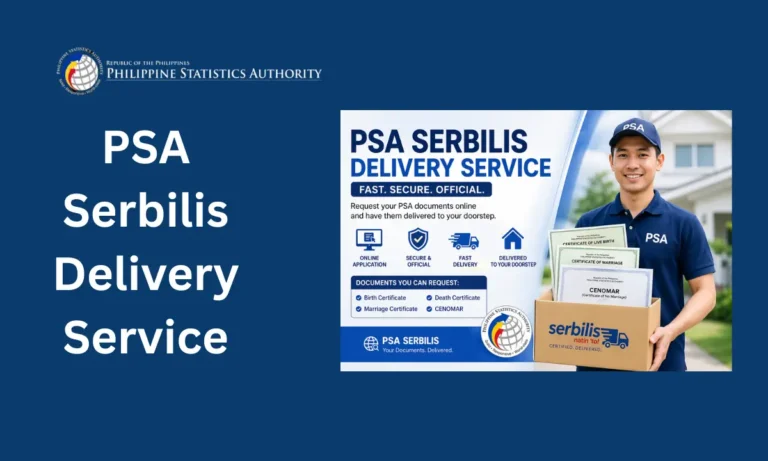
- PSA Serbilis official PSA online service portal
- PSAHelpline.ph support and appointment tracking
Both tend to handle high-traffic periods better than the main booking portal and offer more reliable confirmation tracking.
How Long Does PSA Verification Take?
| Method | Estimated Time |
|---|---|
| OTP SMS | 1–5 minutes |
| Email confirmation | 5–15 minutes |
| System update | Up to 24 hours |
| Payment-related confirmation | Up to 48 hours |
When to Contact PSA Support
If you’ve tried everything and nothing has worked, reach out to PSA support when:
- No OTP arrives after multiple attempts
- No email received after 24 hours
- Reference number keeps showing as invalid
What to Prepare Before Contacting:
- Full name
- Complete appointment details
- Screenshot of the error message
Having all three ready upfront speeds up the resolution significantly.
PSA Appointment Verification Checklist
Before heading to your appointment, confirm the following:
| Task | Status |
|---|---|
| Correct phone number entered | ✅ |
| Email checked including spam folder | ✅ |
| OTP received and entered correctly | ✅ |
| Confirmation email saved | ✅ |
| Reference number noted | ✅ |
FAQS PSA Appointment Verification Problem
Is walk-in allowed if my online appointment fails?
Some PSA offices do accommodate walk-ins, but it is not guaranteed. Online appointment is strongly recommended. Walk-in availability varies by branch and time of day.
How long does PSA appointment confirmation take?
Standard confirmation arrives within minutes. Payment-related confirmations can take up to 48 hours depending on the payment method and gateway response.
Can someone else attend my PSA appointment?
Yes. Another person can attend on your behalf, as long as they bring a valid authorization letter and valid IDs for both parties.
What should I do if my OTP never arrives?
Wait 1–5 minutes, click Resend OTP, restart your phone, and check your signal. If it still doesn’t arrive after multiple attempts, contact PSA support with your appointment details.
Can I edit my PSA appointment after submitting?
No. There is no direct edit option once submitted. You will need to cancel the appointment and rebook with the correct details.
What happens if I miss my PSA appointment?
Missed appointments cannot be reused. You will need to book a new one. Whether your payment is refunded depends on the original transaction status.
Why does PSA say my record is not found?
This usually means your record hasn’t been transferred from the Local Civil Registry to the PSA national database yet. Contact your LCR to request endorsement and wait for database synchronization.
Conclusion
PSA appointment verification problems are frustrating but almost all of them are fixable with the right approach. Whether you’re dealing with a missing OTP, a failed payment, an unavailable slot, or a record that the system can’t find, each issue has a clear path to resolution. The key is knowing where the problem actually starts system-side or user-side and working through it methodically. Stay patient, follow the steps in this guide, and you’ll get your PSA appointment confirmed without needing to start over multiple times.